
XML vs HTML Sitemap
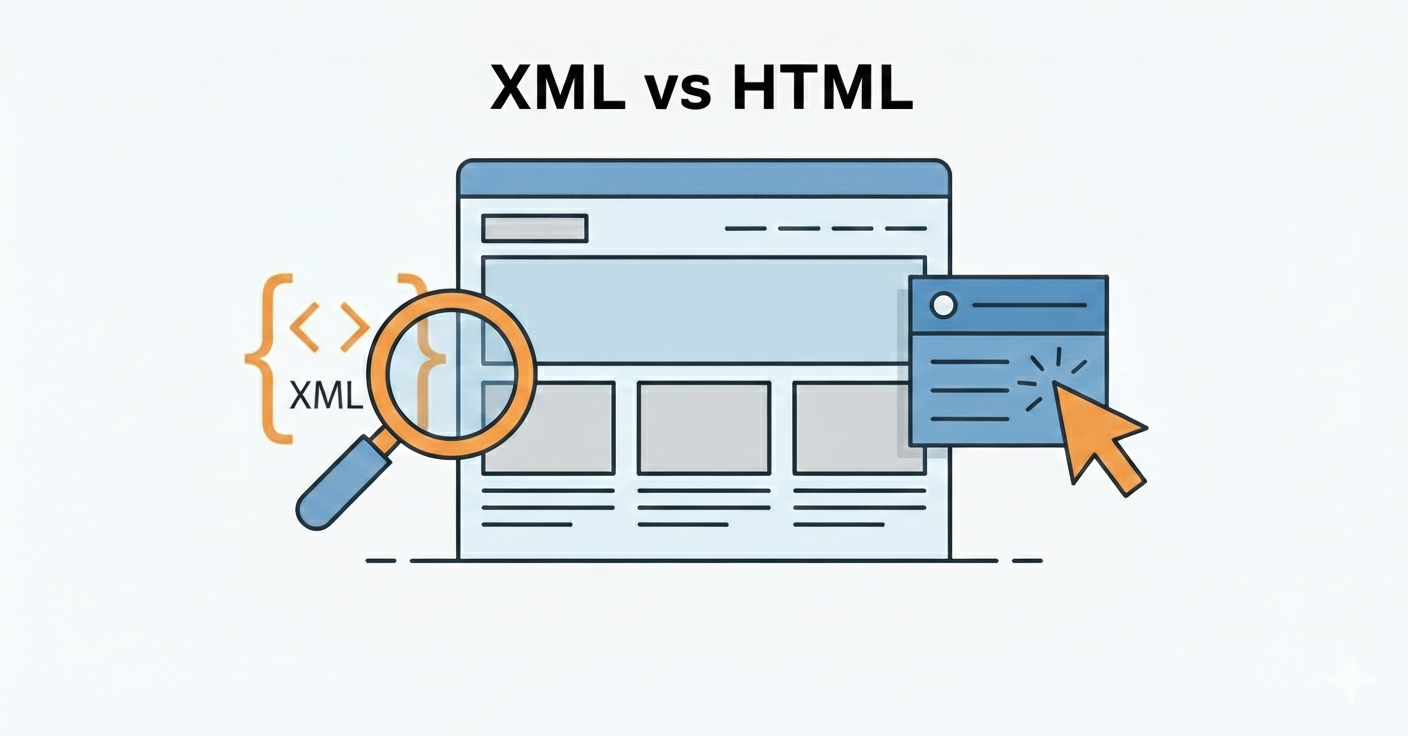
If you want to improve your website’s SEO, you’ve probably heard about “sitemaps.” But the confusion is whether to use an XML sitemap or an HTML sitemap?
Today I’ll explain XML vs HTML Sitemap in simple terms what the difference is between both and which one will be best for your website.
Trust me, after reading this article, everything about sitemaps will be crystal clear to you. So let’s get started!
What is an XML Sitemap?
First, let’s talk about XML sitemaps.
An XML sitemap is a special file created only for search engines. This file is basically a roadmap of your website that tells Google and other search engine bots which pages are on your site.
This file’s format is in XML (Extensible Markup Language). This means it’s machine-readable, not for humans.

How Does an XML Sitemap Work?
When Googlebot or any other search engine spider crawls your website, it first checks your sitemap.xml file.
This file contains all the important URLs along with some extra information like:
- Page’s last modified date (lastmod)
- How often the page changes (changefreq)
- What’s the page’s priority (priority tag)
This metadata helps search engines with better crawling and indexing.
An XML sitemap is usually located at yourdomain.com/sitemap.xml. You can see it directly by typing it in your browser.
Key Components of an XML Sitemap
A typical XML sitemap contains these things:
URL Location: Complete URL of every page
Last Modified Date: When the page was last updated
Change Frequency: Daily, weekly, monthly – how often content changes
Priority: From 0.0 to 1.0, but honestly Google doesn’t give this much importance anymore
The most important thing – this file automatically updates if you’re using WordPress or any CMS with plugins like Yoast SEO or RankMath.
Why is an XML Sitemap Important?
Look, if your website doesn’t have one, search engines can find it difficult to discover every page.
Especially when:
- Your website is new and doesn’t have many backlinks
- You have 1000+ pages (large website)
- Some pages are orphaned (no internal links)
- You have many videos or images
An XML sitemap makes the job easier for search engine spiders. They reach all pages directly without following every link.
Result? Better crawl efficiency and faster indexing.
What is an HTML Sitemap?
Now let’s talk about HTML sitemaps.
An HTML sitemap is a completely different thing. It’s a normal webpage made for humans, not robots.
Think of it as your website’s table of contents or directory.
What’s the Purpose of an HTML Sitemap?
An HTML sitemap basically helps your website visitors with navigation.
When a user comes to your site and can’t find a specific page, they can check the HTML sitemap. All pages are listed there in an organized manner.
Usually, this sitemap is linked in the footer. You’ve probably seen on many websites – a “Sitemap” link in the footer.
What Does an HTML Sitemap Look Like?
It’s a regular HTML page that has:
- Links to all pages
- Organized in categories or sections
- Arranged alphabetically or hierarchically
- In a clean and readable format
Basically, it’s a user-friendly directory of your entire website.
When is an HTML Sitemap Useful?
An HTML sitemap isn’t necessary for every website. But it’s helpful when:
Large websites: Where there are 100+ pages
Complex site architecture: Multiple categories and subcategories
E-commerce sites: Lots of products and categories
Content-heavy blogs: Hundreds of articles
Poor navigation: When the main menu isn’t properly organized
An HTML sitemap is basically backup navigation. If users get lost with the main menu, they can use the sitemap.
Plus, it reduces bounce rate because users easily find their desired content.
XML vs HTML Sitemap: What are the Main Differences?
Let’s get to the main point now. What’s the actual difference between both?
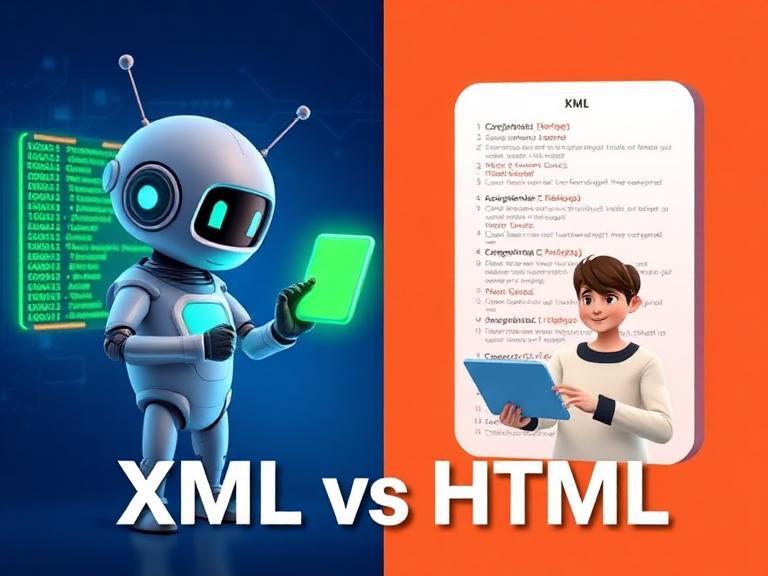
Comparison Table
| Feature | XML Sitemap | HTML Sitemap |
| Audience | Search engine bots | Human visitors |
| Format | XML code | Normal webpage |
| Location | /sitemap.xml | Usually footer link |
| Purpose | SEO and indexing | User navigation |
| Readability | For machines | For humans |
| Updates | Automatic (with plugins) | Sometimes manual |
| SEO Impact | Direct impact | Indirect (through UX) |
| Required? | Yes, necessary | Optional, helpful |
Target Audience: Bots vs Humans
This is the biggest difference.
XML sitemap is for search engine spiders like Googlebot and Bing Bot. They read and understand it.
HTML sitemap is for normal visitors who are actually browsing your site.
Technical Format Difference
XML sitemap is in pure code format. If you open it in a browser, you’ll see weird code with tags and brackets.
HTML sitemap is a beautiful, styled webpage that anyone can easily read.
SEO Value Comparison
XML sitemap has a direct SEO impact. It gets your pages indexed faster and improves search rankings.
HTML sitemap has an indirect SEO benefit. When users get help with navigation, bounce rate decreases and dwell time increases. These user behavior signals send positive messages to Google.
Update Frequency
XML sitemap mostly updates automatically if you’re using WordPress with SEO plugins.
HTML sitemap sometimes needs to be manually updated, especially if it has custom design.
SEO Benefits of XML Sitemaps
Now let’s talk about how XML sitemaps actually help with SEO.
Improved Crawl Efficiency
When you have an XML sitemap, search engine bots can crawl efficiently.
They don’t waste time on unnecessary pages. They reach important URLs directly.
This means better crawl budget optimization. This is especially important for large websites.
Faster Content Indexing
When you publish new content, the XML sitemap automatically notifies Google (if properly configured).
Result? Your content gets indexed faster. Sometimes within hours!
Without a sitemap, search engines can take weeks to discover new pages.
Better URL Discovery
Sometimes some pages on your website become “orphaned.” Meaning no internal link points to them.
XML sitemap ensures that such pages are also found by search engines. All URLs are listed in one place.
This is especially useful when:
- There are deep pages that are 3-4 clicks away from navigation
- There’s old content not linked from the homepage
- New sections have been added to the site
Rich Media Support
If your website has many videos or images, XML sitemap properly presents them to search engines.
You can also create video sitemaps and image sitemaps separately. This is helpful for ranking in Google Images and Google Videos.
SERP Performance Improvement
Overall, XML sitemap ensures that:
- All important pages are indexed
- Content is being discovered timely
- Site structure is clear
- Updates are reflecting quickly
This has a direct impact on your SERP rankings. Better indexing means better visibility.
User Experience Benefits of HTML Sitemaps

Now let’s see what HTML sitemaps do for users.
Easy Content Discovery
If a visitor comes to your site and navigation seems confusing, HTML sitemap comes to the rescue.
All pages are visible in one place. Users easily find their desired content.
This is especially helpful when:
- Search function isn’t working properly
- There are too many options in the menu
- User knows exactly what they’re looking for
Reduced Bounce Rate
When users can navigate easily, they don’t leave the site quickly.
HTML sitemap makes users feel the site is well-organized. They explore instead of immediately leaving.
Lower bounce rate signals Google that your content is valuable.
Increased Dwell Time
Through HTML sitemap, users visit multiple pages.
They can easily jump from one page to another. This increases time on site.
And the more time visitors spend, the better it is for SEO.
Better Accessibility
HTML sitemap improves accessibility.
Screen readers can easily read HTML sitemaps. This is helpful for visually impaired users.
Plus, it shows transparency. Visitors feel you’re not hiding your content.
Professional Image
A well-designed HTML sitemap gives your website a professional look.
Visitors get confidence that the site is properly maintained. This builds trust.
Which Sitemap Do You Need? XML, HTML, or Both?
Now the important question – what do you actually need?
Simple answer: Use both for maximum benefit.
But let’s understand in a bit more detail based on website size.
Small Websites (Under 500 Pages)
If your website is small – maybe 50-100 pages:
XML Sitemap: Absolutely necessary. This is a must-have.
HTML Sitemap: Optional. Nice to have but not essential.
For small sites, a good navigation menu is enough. HTML sitemap will create extra overhead.
Medium to Large Websites (500-10,000 Pages)
If you have a decent-sized website:
XML Sitemap: Obviously necessary
HTML Sitemap: Strongly recommended
At this size, visitors need help navigating. HTML sitemap adds value.
Enterprise Websites (10,000+ Pages)
For huge websites:
XML Sitemap: Use multiple sitemaps (sitemap index)
HTML Sitemap: Absolutely essential
In fact, large sites can have multiple HTML sitemaps too – one for each section.
E-commerce Websites
For online stores, it’s a special case:
XML Sitemap: Required for products, categories, filters
HTML Sitemap: Must-have for user experience
In e-commerce, both are equally important. Products are regularly added, so XML sitemap gets them indexed.
And customers need HTML sitemap to easily explore products.
Content-Heavy Blogs
If you’re a blogger with hundreds of articles:
XML Sitemap: Essential for all posts
HTML Sitemap: Recommended, organized by categories
Readers can easily find old articles through HTML sitemap.
Recommendation Summary
My personal recommendation is:
XML sitemap is a must on every website. Without it, SEO is incomplete.
Add HTML sitemap when:
- You have 100+ pages
- Navigation becomes complex
- Users are struggling to find content
- You want a professional image
Best practice? Start with XML, add HTML as the site grows.
How to Create XML and HTML Sitemaps?
Now the practical part – how to actually create these sitemaps?

Creating an XML Sitemap (Step by Step)
For WordPress Users
If you’re using WordPress, it’s very easy: Just follow below or you can also use our pre build best sitemap generator
Option 1: Yoast SEO Plugin
- Install Yoast SEO
- Go to SEO settings
- General > Features > Enable XML sitemaps
- Done! Sitemap will be created automatically
Option 2: RankMath Plugin
- Install RankMath (it’s free)
- Go to Sitemap Settings
- Turn on Enable sitemap toggle
- Select pages, posts, categories
Option 3: All in One SEO Pack
Similar process – install plugin, enable sitemap.
These plugins automatically update the sitemap when you publish new content.
For Shopify Users
On Shopify, sitemap is generated automatically.
Just go to yourstore.com/sitemap.xml. It will already be there.
For Custom Websites
If you’re not using WordPress, then:
Use Online Sitemap Generators:
- XML-sitemaps.com
- Screaming Frog SEO Spider
- Sitemap Writer Pro
Enter your website URL in these tools, they’ll crawl and create a sitemap.
Submitting XML Sitemap to Google Search Console
Creating a sitemap isn’t enough. You also need to submit it.
Steps:
- Open Google Search Console
- Click “Sitemaps” in the left sidebar
- Enter your sitemap URL: sitemap.xml
- Click Submit button
Google will now regularly check your sitemap and index pages.
Creating an HTML Sitemap
Creating an HTML sitemap is also simple.
On WordPress
Using Plugins:
Simple Sitemap Plugin:
- Install it
- Create a new page titled “Sitemap”
- Add shortcode: [simple-sitemap]
- Publish
WP Sitemap Page Plugin: Similar – shortcode-based solution
Yoast SEO: Yoast can also create HTML sitemap (premium feature)
Manual HTML Sitemap
If you want to create manually:
- Create a new page
- Make a list of all important pages
- Organize in categories
- Add proper links
- Use clean formatting
Design Best Practices
When designing HTML sitemap:
- Keep layout simple
- Clearly define categories
- Consider A-Z sorting
- Make it mobile-friendly
- Add link in footer
Robots.txt Configuration
One important step – mention sitemap in robots.txt.
Add these lines in the file:
Sitemap: https://yourdomain.com/sitemap.xml
Sitemap: https://yourdomain.com/sitemap_index.xml
This directly tells search engines where the sitemap is.
Regular Maintenance
Don’t forget after creating sitemaps:
Check Monthly:
- Is XML sitemap updating properly?
- Are there any errors?
- Are there broken URLs?
- Is HTML sitemap current?
Keep checking Google Search Console regularly for sitemap errors.
Common Sitemap Mistakes to Avoid
Many people make mistakes when creating sitemaps. Avoid these common problems.
1. Not Submitting XML Sitemap at All
This is the biggest mistake.
Created a sitemap but didn’t submit to Google Search Console. There’s no benefit of this.
Solution: Always submit to Search Console and verify it’s successfully submitted.
2. Including Noindex Pages in Sitemap
If you’ve noindexed a page, you shouldn’t include it in the sitemap.
This is a confusing signal for Google. You’re saying “don’t index” but including it in the sitemap.
Solution: Keep only indexable pages in sitemap.
3. Broken URLs or 404 Pages
If there are dead links in the sitemap, Google has a problem.
It crawls every time and gets 404 error. This wastes crawl budget.
Solution: Regularly check for broken links. Use tools like Screaming Frog.
4. 50,000+ URLs in One Sitemap
Google has a limit – maximum 50,000 URLs per sitemap file.
Plus size shouldn’t exceed 50MB.
Solution: If you have more pages, create multiple sitemaps and use a sitemap index file.
5. Blocking Sitemap in Robots.txt
Sometimes people accidentally disallow sitemap in robots.txt.
Result? Search engines can’t access the sitemap at all.
Solution: Double-check that sitemap is allowed in robots.txt.
6. HTML Sitemap = Main Navigation
HTML sitemap doesn’t mean you copy-paste the main navigation.
That’s redundant and adds no value.
Solution: HTML sitemap should be comprehensive with all pages, not just menu items.
7. Not Updating Sitemaps
Sites keep changing – new pages are added, old pages are deleted.
If the sitemap stays old, you’ll get outdated information.
Solution: Use automatic sitemap generation that updates in real-time.
8. Over-Reliance on Priority Tags
Many people think setting priority=”1.0″ will make that page rank at the top.
Reality? Google mostly ignores priority tags now.
Solution: Use priority tags but don’t focus too much. Content quality is more important.
9. Duplicate Content in Sitemap
If you have the same content on multiple URLs, including all of them in the sitemap is a mistake.
Solution: Use canonical tags and keep only canonical URLs in sitemap.
Advanced Sitemap Strategies (Pro Tips)
Now some advanced techniques that experts use.
Multiple XML Sitemaps Strategy
For large sites, one sitemap isn’t enough.
Best Practice: Create separate sitemaps according to content type:
- sitemap-posts.xml for blog articles
- sitemap-pages.xml for static pages
- sitemap-products.xml for e-commerce
- sitemap-categories.xml for category pages
Then create a master sitemap index file that lists all sitemaps.
Benefits:
- Better organization
- Easier troubleshooting
- You can monitor specific sections separately
Change Frequency Optimization
Every content type has its own update frequency.
Smart Settings:
- Homepage: Daily
- Blog posts: Weekly
- Product pages: Daily (if prices change)
- Static pages: Monthly
- Old archived content: Yearly
Set realistic changefreq. Google detects actual changes.
Video and Image Sitemaps
If your site has videos, create a dedicated video sitemap.
Include in Video Sitemap:
- Video URL
- Thumbnail URL
- Title and description
- Duration
- Upload date
Similarly image sitemap for visual content.
This improves ranking in Google Images and Google Videos.
Mobile Sitemap Considerations
In the era of mobile-first indexing, ensure:
- Sitemaps include mobile-friendly URLs
- If there’s a separate mobile site, have its sitemap too
- Separate sitemap for AMP pages (if using them)
Sitemap Prioritization Based on Performance
Use Google Analytics data to optimize sitemap.
Check:
- Which pages bring high traffic
- Which pages generate conversions
- Consider removing low-performing pages from sitemap
Quality over quantity – better to have 1000 quality pages than 10000 mediocre pages.
Hreflang Sitemap Implementation
For multi-language sites:
Create a separate sitemap for each language variant. Use hreflang tags properly.
Example:
- sitemap-en.xml for English
- sitemap-ur.xml for Urdu
- sitemap-hi.xml for Hindi
This is crucial for international SEO.
Sitemap Monitoring and Analytics
Setup regular monitoring:
Track:
- How many pages are submitted
- How many are actually indexed
- Are there any errors
- Coverage issues
Regularly check Google Search Console’s Coverage report.
If submitted pages aren’t getting indexed, investigate why.
Frequently Asked Questions (FAQs)
Let’s answer some common questions now.
Q1: Do I Need Both XML and HTML Sitemaps?
Answer: Technically, only XML sitemap is necessary for SEO.
But if your website is medium to large sized, you should also add HTML sitemap. It improves user experience.
For small sites, XML is enough. But as the site grows, add HTML sitemap.
Q2: How Often Should I Update the Sitemap?
Answer: If you’re using WordPress and SEO plugins, it updates automatically.
No need to manually update. Whenever you publish new content, the sitemap updates automatically.
If maintaining manually, update at least weekly.
Q3: Does XML Sitemap Guarantee Indexing?
Answer: No. Sitemap is not a guarantee of indexing.
It only informs search engines that these pages exist. The final decision is Google’s on what to index.
But sitemap definitely improves the chances. Without a sitemap, pages won’t be discovered easily.
Q4: Can I Have Multiple XML Sitemaps?
Answer: Yes, absolutely!
In fact, this is recommended for large sites. You can create multiple sitemaps and list them in a sitemap index file.
Example:
sitemap_index.xml
- sitemap-posts.xml
- sitemap-pages.xml
- sitemap-products.xml
Q5: Is HTML Sitemap Still Relevant in 2025?
Answer: Yes, absolutely!
Many people think HTML sitemap has become outdated. But in reality, it’s still valuable.
Especially on large websites where navigation is complex, HTML sitemap helps users a lot.
Plus, it indirectly benefits SEO through better user experience.
Q6: How to Check if Sitemap is Working Properly?
Answer: There are several ways to verify:
Google Search Console Check:
- Go to Sitemaps section
- See Submitted vs Indexed pages
- Check if there are any errors
Direct Browser Test:
- Open yourdomain.com/sitemap.xml in browser
- It should load properly
Online Validators:
- Use XML-sitemaps.com validator
- Check for schema errors
If everything is fine, your sitemap is working properly.
Q7: Can Sitemap Be Created Without Plugins?
Answer: Yes, it can be created manually too.
But honestly, using plugins is better because:
- Updates happen automatically
- No manual effort required
- Less chances of errors
- Time-saving
Maintaining manual sitemap is time-consuming and there’s a risk of mistakes.
Q8: How Many URLs Should Be in a Large Website’s Sitemap?
Answer: Focus on quality over quantity.
It’s not necessary to include every page in the sitemap. Include only important, high-quality pages.
Remove:
- Duplicate content
- Low-quality pages
- Thin content pages
- Admin pages
- Thank you pages
Better to have 5000 quality URLs than 50000 random pages.
Conclusion: Perfect Your Website’s Sitemap Strategy
So friends, you should now have clarity about XML and HTML sitemaps.
Quick Recap
XML Sitemap:
- Necessary for search engines
- Important part of technical SEO
- Helps in automatic indexing
- Must-have on every website
HTML Sitemap:
- Helpful for users
- Improves navigation
- Recommended on large sites
- Optional but valuable
Key Takeaways
- Both sitemaps serve different purposes – XML for bots, HTML for humans
- XML sitemap is essential for every website, small or large
- Add HTML sitemap when the site grows
- Regular maintenance is necessary – better no sitemap than an outdated one
- Use plugins for automation – manual effort is a waste
- Submit to Google Search Console the sitemap
- Monitor regularly for errors and issues
What Should Your Next Step Be?
If you haven’t created a sitemap yet:
- Step 1: Create XML sitemap (with Yoast/RankMath plugin)
- Step 2: Submit to Google Search Console
- Step 3: Verify it’s indexing properly
- Step 4: If you have 100+ pages, add HTML sitemap too
- Step 5: Link HTML sitemap in footer
- Step 6: Check monthly for errors
Conclusion:
Sitemap seems like a small technical detail, but it’s actually a very important part of SEO strategy.
With proper sitemaps:
- Your pages get indexed faster
- Search engines understand site structure
- Users can navigate easily
- Overall rankings improve
So take time and properly setup your website’s sitemaps. It will benefit you a lot in the future.
And yes, if you still have any confusion or questions, feel free to reach out. SEO is a continuous learning process!
Now it’s time to take action. Go ahead and perfect your website’s sitemap!
Happy optimizing! 🚀